 wewe
wewe 
Phishing protection is no longer optional. In 2026, phishing attacks have evolved beyond obvious spam emails. Today’s scams use AI-generated messages, cloned websites, and even voice deepfakes to trick people into revealing passwords, banking details, or cryptocurrency keys.
The goal is simple: steal your information before you realize what happened.
The good news? Most phishing attacks follow patterns. Once you recognize them, you dramatically reduce your risk.
What Phishing Really Looks Like in 2026
Phishing is a cyberattack where scammers impersonate trusted organizations to steal sensitive information.
Modern phishing attempts often arrive through:
- Email messages
- Text messages (smishing)
- Phone calls (vishing)
- Fake login websites
- Social media direct messages
For example, a small business owner in Texas received an email that appeared to be from her payroll provider. The logo looked perfect. The email tone sounded professional. One click led to a fake login page — and her credentials were captured instantly.
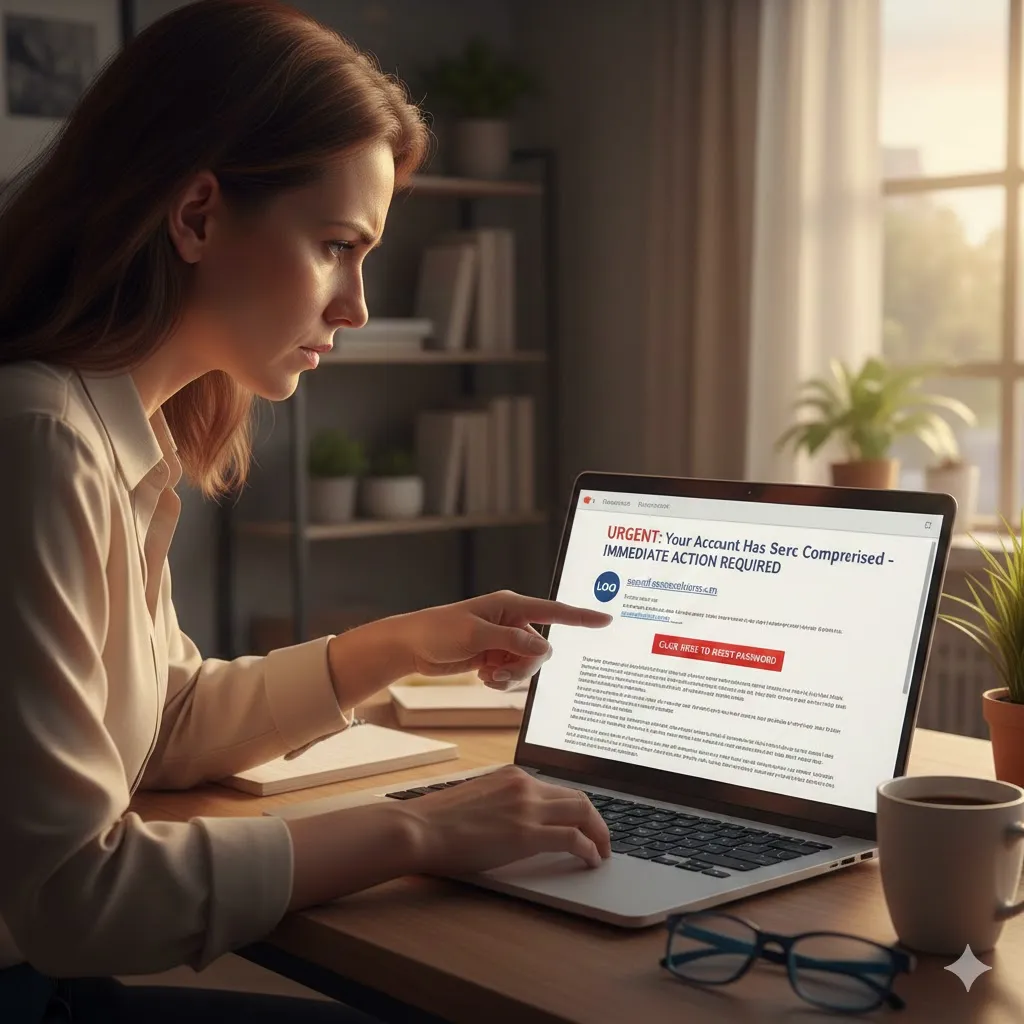
Common Phishing Red Flags
Knowing the warning signs is your first defense.
| Red Flag | What It Means | What To Do |
|---|---|---|
| Urgent language | Pressure tactic | Pause and verify |
| Slightly misspelled domain | Fake website | Type official URL manually |
| Attachment from unknown sender | Malware risk | Do not download |
| Requests for passwords | Credential theft | Never share |
| Generic greeting | Mass phishing attempt | Be cautious |
Meanwhile, even well-written messages can be fraudulent.
Strengthen Your Phishing Protection Setup
Enable Multi-Factor Authentication (MFA)
MFA adds a second verification step — even if your password is compromised.
Use authentication apps rather than SMS when possible.
Use a Password Manager
Strong, unique passwords reduce the impact of credential theft. A password manager also prevents auto-filling credentials on fake sites.
Install Security Updates Immediately
Operating system and browser updates often patch vulnerabilities exploited by phishing campaigns.
How to Verify Suspicious Messages
If you receive an urgent message:
- Do not click links directly
- Do not download attachments
- Visit the company’s official website manually
- Contact the organization using official contact information
For instance, if your “bank” sends an alert, call the number listed on the back of your debit card — not the number inside the email.
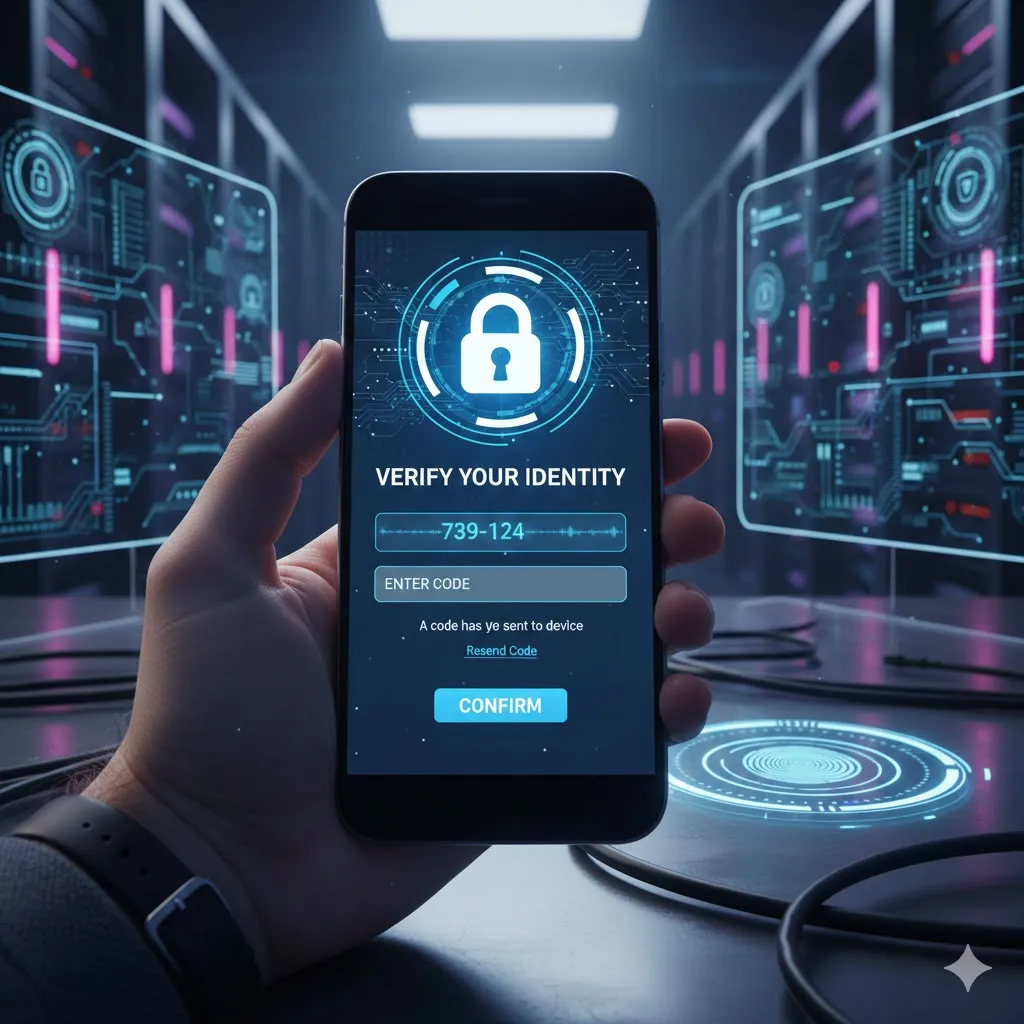
Phishing on Mobile Devices
Mobile phishing is increasing rapidly.
Watch for:
- Fake delivery notifications
- “Account suspended” texts
- Cryptocurrency wallet alerts
- Subscription renewal warnings
Because mobile screens are smaller, it’s easier to miss suspicious URL details.
Protecting Business Accounts
Businesses face higher phishing risks due to:
- Wire transfer scams
- Invoice manipulation
- Payroll redirection fraud
Train employees to verify financial requests through secondary channels. One verification call can prevent major losses.
Pro Insight
If an email requests urgent financial action, require a secondary confirmation process — such as a direct phone call — before approving any payment or account changes.
What To Do If You Clicked a Phishing Link
Act quickly:
- Disconnect from the internet
- Change affected passwords immediately
- Enable MFA if not already active
- Contact your financial institution
- Monitor accounts for suspicious activity
- Report the incident to federal authorities
Early response can limit damage.
Quick Tip
Before entering login details, check the browser address bar carefully. Official websites use correct domain spelling and secure HTTPS connections. Even one extra character in a URL can signal fraud.
Frequently Asked Questions
Can phishing emails look legitimate?
Yes. Modern phishing messages often copy logos, formatting, and writing style convincingly.
Is clicking a phishing link always dangerous?
It can be. Some links install malware instantly, while others capture login credentials.
Does antivirus software stop phishing?
It helps, but no system is perfect. User awareness remains critical.
What is spear phishing?
A targeted phishing attack customized to a specific individual or company.
Where should I report phishing?
Report phishing attempts to the Federal Trade Commission (FTC) and the FBI’s Internet Crime Complaint Center (IC3).
Conclusion
Phishing protection depends on awareness, verification, and layered security. Cybercriminals rely on urgency and distraction. When you slow down and verify before clicking, you remove their advantage.
Enable multi-factor authentication. Use strong passwords. Double-check URLs. Build habits that protect your digital identity — because in today’s environment, prevention is your strongest defense.
Trusted U.S. Resources
Federal Trade Commission – Phishing and Online Scams
https://www.ftc.gov
FBI Internet Crime Complaint Center (IC3)
https://www.ic3.gov
Cybersecurity & Infrastructure Security Agency (CISA)
https://www.cisa.gov
National Institute of Standards and Technology (NIST)
https://www.nist.gov
This article is for general informational purposes only and does not provide legal, financial, medical, or professional advice. Policies, rates, and regulations may change over time.